Hardware Interface
Compiled RobotRoss knowledge page generated from RobotRoss source code, architecture notes, and operational documentation.
Contents
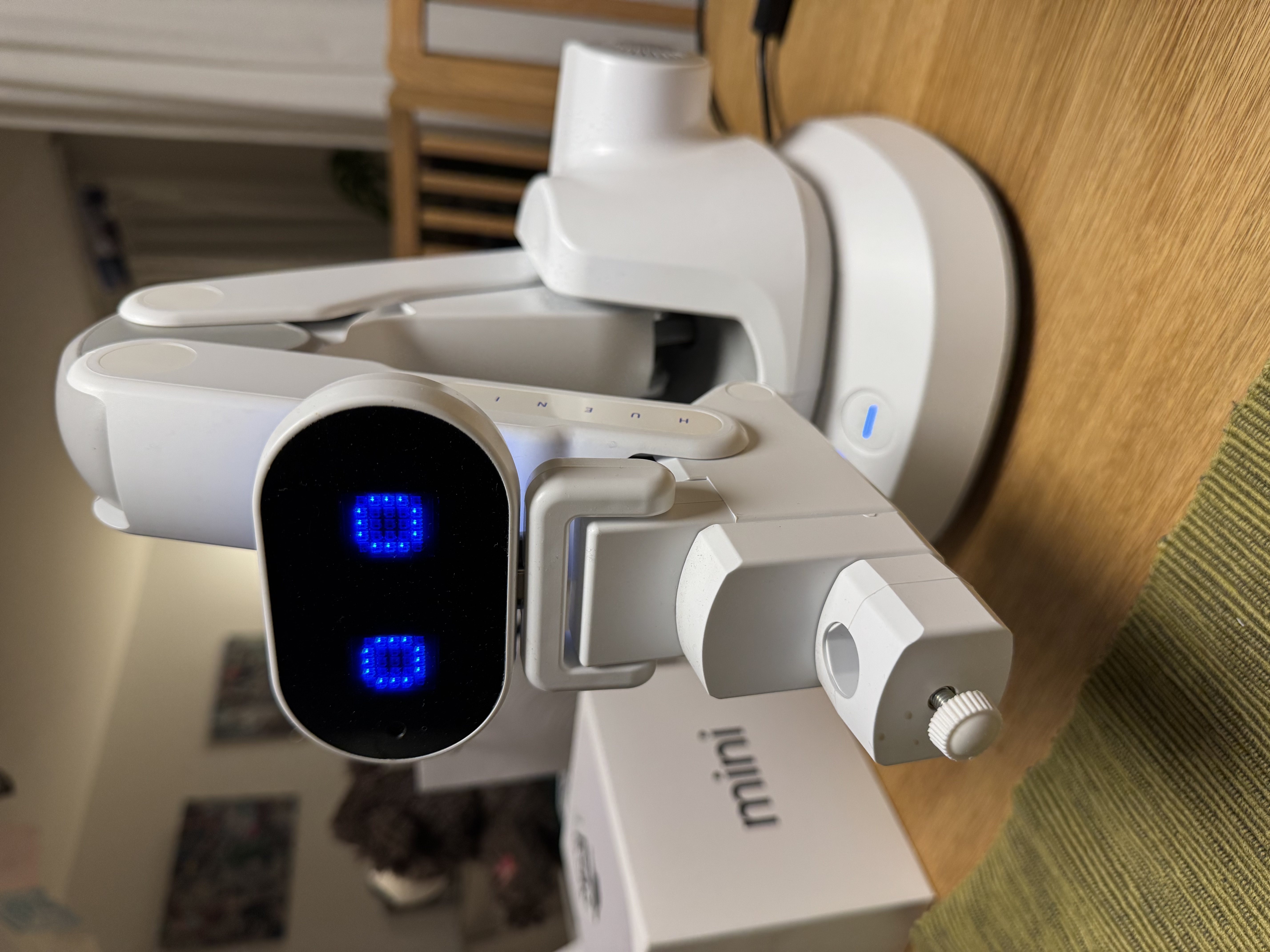
Hardware Interface Subsystem
1. Role
The Hardware Interface subsystem provides the low-level communication and control for the Huenit robotic arm via a serial (USB) G-code interface.
2. Key Components
- Serial Interface: Communication occurs over
/dev/cu.usbserial-310at 115200 baud on macOS, orCOM3on Windows — the operational log shows the active port has changed between sessions as the rig moved between machines, so don't assume the Mac path is current (see FAQ below). - G-code Controller:
huenit_svg.pyandhuenit_draw.pyparse SVG or shape commands into G-code for the arm's onboard controller. - Z-axis Control: Manages pen-up (
Z_UP=6.0mm) and pen-down movements. - Tilt Correction:
TILT_SLOPEinhuenit_svg.pyprovides Z-height correction per mm of Y travel, indicating the drawing surface may not be perfectly level.
3. Calibration
- Required: Must be run at the start of each session.
- Tool:
huenit_draw.py calibrate - Output: Generates
calibration.jsonin the huenit skill directory.
4. Notes and Open Points
- Calibration Persistence: Code checks for
/tmp/huenit_ready.flag. Since/tmpis cleared on reboot, calibration must be performed every session. However, some documentation implies a more permanent state could be achieved. - Safety: The arm's G-code parser does not appear to have complex obstacle avoidance. It relies on the user ensuring the drawing area (125mm x 125mm) is clear.
5. FAQ (from bob_ross.log, 101 job runs 2026-03-19 to 2026-07-18)
Q: A job dies mid-draw with WriteFile failed (PermissionError(13, 'Access is denied.')) — what's happening? A: This is a Windows-specific serial port failure. In both recorded occurrences (2026-04-19 and 2026-07-18) it was preceded by a cascade of 5–8 TIMEOUT waiting for ok on: ... entries over several minutes — the arm firmware stops acknowledging commands, then the next write to COM3 is flatly denied access. The script does send an emergency pen-lift when this happens, but the job itself is not cleanly closed out (no JOB END is logged). The log alone doesn't confirm why the port access is denied — another process holding the handle and a USB/driver hiccup are both plausible, undocumented candidates.
Q: Readiness check says "Robot arm port not found" but the arm is connected — why? A: The operational log shows the configured port defaulting to the Mac path (/dev/cu.usbserial-310) in at least one Windows session (2026-03-30), which will always fail to find the arm on COM3. If you see this, confirm the active port setting matches the OS you're actually running on — it isn't always in sync.
Sources:
~/.openclaw/workspace/skills/huenit/huenit_svg.py~/.openclaw/workspace/skills/huenit/huenit_draw.pyAGENTS/CONTEXT/robot_ross_artist.mdskills/robot-ross/bob_ross.log(operational log)